

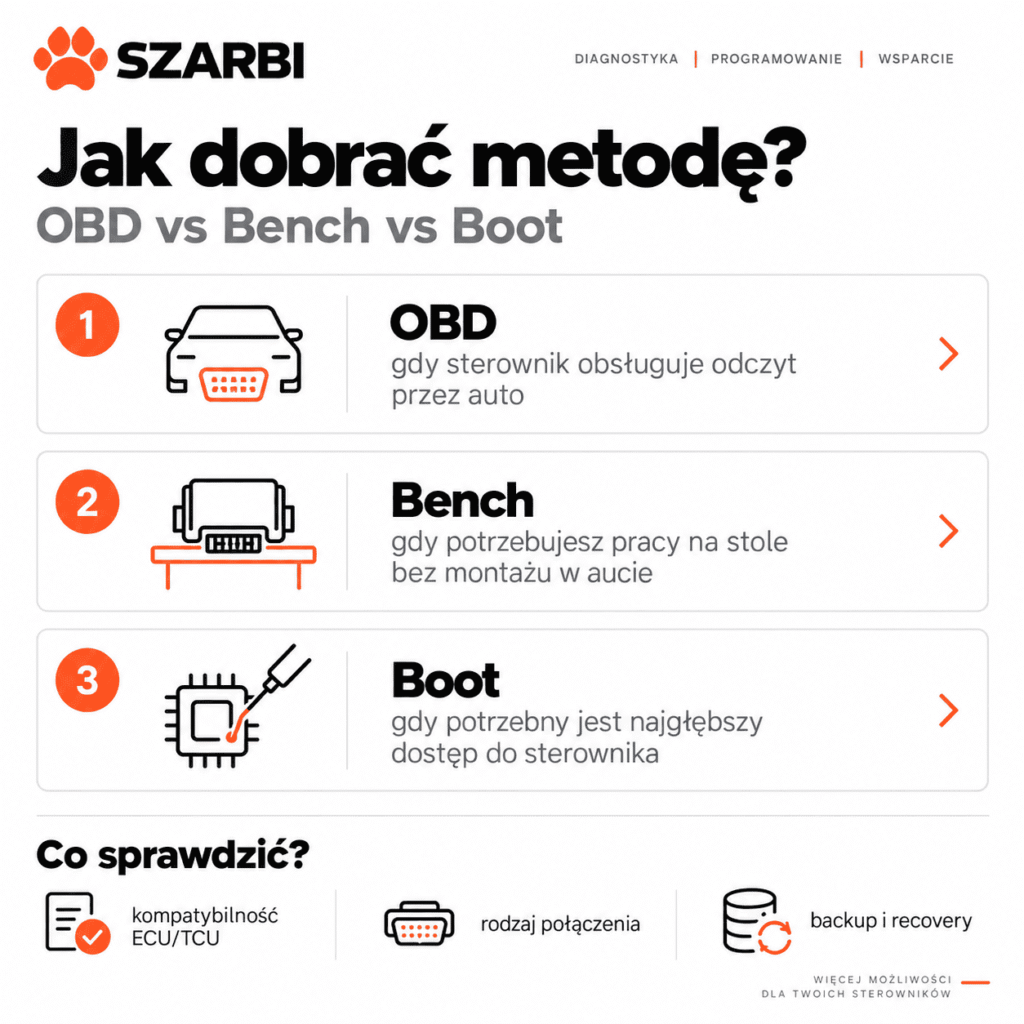
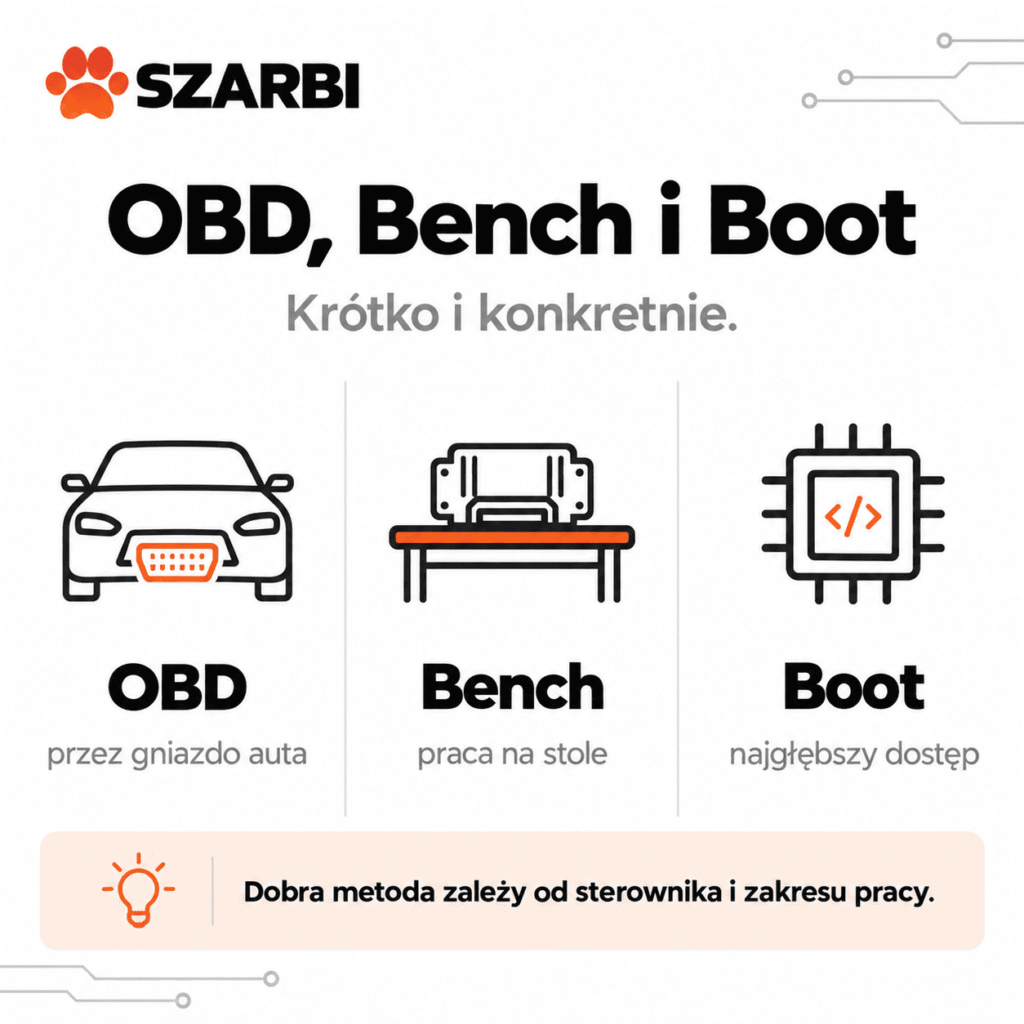
OBD, Bench and Boot are three different ways of communicating with an ECU or TCU, and the right method depends on the specific control unit, its security protections and the scope of the operation you want to perform. OBD usually lets you work without removing the control unit, Bench provides a direct connection through its connector, and Boot requires access to the electronics inside the housing. However, there is no rule that any one of these methods is always the best.
Key information:
- OBD is the least invasive, because reading and writing take place through the vehicle's diagnostic socket. The available functions, however, depend on the specific protocol and ECU. [1][2]
- Bench enables direct communication with the control unit through its connector, usually without opening the housing. It can offer a wider range of operations than OBD. [2][3]
- Boot requires opening the control unit and connecting to the appropriate points on the PCB. It is used, among other things, when direct memory access, a full backup or recovery of a supported ECU is needed. [2][3]
- OBD does not always mean an actual data read. For some control units, the programmer uses Virtual Read, which means it downloads from a server the original file matching the ECU software number. [4]
- Always check the method for the specific control unit and hardware version. The same ECU type may offer different communication options depending on the hardware version, software version or the security protections used. [5]
What is the difference between OBD, Bench and Boot?
The difference between OBD, Bench and Boot mainly concerns where and how the programmer communicates with the control unit.
These are not three levels of “tuning quality”. They are three technical ways of accessing the ECU or TCU.
| Method | Connection type | ECU removal | ECU opening | Typical use |
|---|---|---|---|---|
| OBD | vehicle diagnostic socket | no | no | identification, reading and writing, if the protocol allows it |
| Bench | directly through the ECU/TCU connector | usually yes | usually not | reading, writing, backup, unlock or cloning – depending on the protocol |
| Boot | directly from the control unit's PCB | yes | yes | memory access, backup, recovery or operations unavailable in other modes |
Alientech describes OBD as communication via the diagnostic port, Bench as direct work through the control unit's connector without opening it, and Boot as access to internal memory after opening the ECU. [1][2]
A similar classification is used by AutoTuner and Magic Motorsport FLEX. [3][6]
How does reading an ECU via OBD work?
In OBD mode, the programmer communicates with the control unit through the vehicle's diagnostic wiring, without having to remove it.
In practice, you connect the tool to the appropriate port, start the procedure according to the instructions and identify the ECU. If the protocol allows it, you can then perform a read or write.
The advantage is simplicity. You don't take the car apart or open the control unit.
However, this does not mean that OBD always provides the same range of data.
Does OBD always perform a true file read?
No. Some control units use Virtual Read instead of Normal Read.
Normal Read means an actual read of the data stored in the ECU. If the control unit has been modified before, the actual read may contain that modified calibration.
Virtual Read works differently. The programmer identifies the ECU software and then downloads the corresponding original file from a server. AutoTuner explains that in this case you receive the stock file even if the car has already been modified. [4]
That is an important difference.
If you want to analyse an existing modification, Virtual Read does not replace an actual read of the data currently stored in the ECU.
Szarbi expert advice: before starting work, check not only whether the „OBD Read” option is listed for the given ECU, but also whether it is a Normal Read or a Virtual Read. From the point of view of further file analysis, these are two different operations.
When does reading or writing via OBD make sense?
OBD is a good choice when the programmer manufacturer officially supports the required operation and you do not need functions available only in Bench or Boot.
Examples of OBD advantages include:
- no need to remove the ECU,
- no need to open the housing,
- shorter vehicle preparation time,
- lower risk of mechanical damage to the ECU housing,
- quick return to the car after the file has been corrected.
However, you cannot assume that every unit is worth programming this way.
Some ECUs require prior unlocking. AutoTuner describes procedures in which OBD is activated only after the appropriate operation has been performed via Bench or Boot. [7]
Similar dependencies exist in other systems.
What does bench ECU programming in Bench mode involve?
Bench means direct communication with the ECU or TCU via the unit's connectors, without the need to open its housing in a typical procedure.
The ECU is connected to the programmer using an appropriate harness or wires according to the pinout.
Depending on the specific protocol, Bench may allow:
- reading,
- writing,
- reading additional memory areas,
- full backup,
- cloning,
- recovery,
- performing an unlock procedure.
This does not mean, however, that all these functions are available for every ECU.
Alientech emphasises that the scope of operations depends on the specific protocol and application. [1][2]
Why can Bench be more convenient than Boot?
The most important difference is mechanical.
In a typical Bench procedure you do not need to open the ECU. You connect to the pins of the external connector.
In Boot, you need to access the electronics inside the unit.
That is why, if a given scope of operations is available via Bench, there is no point in automatically switching to Boot just because it is a more advanced method.
In everyday workshop practice: choose the least invasive mode that officially provides the function required for the given job. More access points to the electronics do not automatically mean better quality of work.
How does ECU Boot mode work?
Boot requires a direct connection to the unit's electronics and therefore usually means opening the ECU or TCU.
Once the housing has been removed, the points indicated in the tool manufacturer's instructions are used. Probes, wires, adapters or a frame for stable positioning of the connections may be needed, among other things.
Alientech describes Boot as a mode that provides direct access to the internal memories of the ECU. Some applications may also require soldering. [2]
AutoTuner also indicates that Boot requires opening the ECU and making a connection to the PCB. [3]
When is Boot needed?
It may be relevant when:
- the given ECU does not offer the appropriate function via OBD or Bench,
- you need a broader memory read,
- you are performing a recovery after a failed write,
- a full backup is required,
- you are preparing cloning of a supported unit,
- the procedure requires reading the password or performing an unlock.
However, this is not a universal list.
The exact scope always depends on the ECU, the processor and the programmer's protocol.
Is Boot better than Bench and OBD?
No. Boot provides a different type of access, but it should not be chosen just because it is more technically advanced.
Opening the ECU introduces additional risks:
- damage to the housing,
- compromising the seal,
- mechanical damage to the PCB,
- short circuits due to incorrect connection,
- confusing the measurement points,
- damage during reassembly.
If the required read or write can be performed safely via OBD or Bench according to the documentation, Boot does not automatically provide any additional value.
Why can the same ECU require different methods?
Because the name of the ECU is not always enough to determine its actual communication capabilities.
The following may matter:
- hardware number,
- software version,
- bootloader version,
- processor type,
- manufacturer protections,
- the version of the protocol available in the programmer.
A good example is the Bosch MD1CS004. AutoTuner officially lists support for this ECU via OBD and Bench, among others, but at the same time documents differences between individual hardware versions. For some H80 variants, OBD support may be available, while Bench using a specific Bosch service mode may not work for the same version. [5]
This shows why you should not create your own rules such as:
“If OBD doesn't work, Bench will definitely work.”
Not always.
Case study: Ford Continental SID212 – why can one method unlock another?
In some ECUs, Bench is used not only for reading, but also to prepare the ECU for later work via OBD.
An example is the Continental SID212 and SID212EVO used in selected Ford vehicles.
Magic Motorsport has described a FLEX procedure in which Bench allows, among other things, reading and OBD Unlock. Once unlocked, the ECU can then also be programmed via OBD. [8]
The workflow can therefore look like this:
Bench → unlock → ECU reinstallation → subsequent writes via OBD.
This is not a rule for all ECUs. However, it shows that OBD, Bench and Boot are not always competing ways of performing the same operation.
Sometimes they are successive stages of a single process.
Does Bench always provide a full backup?
No. Backup information must be checked for the specific ECU and protocol.
FLEX updates are a good example.
For some ECUs, the manufacturer lists access to Internal Flash, EEPROM and Full Backup in Bench mode. For other protocols, the scope is narrower. [9]
The same applies to Boot.
You should not assume that the label “Boot” automatically means reading all memory available in the ECU.
Look at the protocol's functions, not just the name of the mode.
Why does a stable power supply matter when reading and writing an ECU?
Stable voltage is one of the basic requirements for programming an ECU correctly.
This applies especially to operations performed via OBD, when the entire vehicle is powered during programming.
In its OBD mode documentation, Alientech stresses the use of a stabilised power source in line with the procedure for the specific vehicle. [2]
AutoTuner also lists a suitable charger or power supply as one of the items needed to work properly with ECUs. [10]
However, you should not assume a single universal voltage or current value for every vehicle.
Requirements depend on the vehicle, the ECU and the instructions of the system being used.
How do AutoTuner, FLEX and KESS3 compare in terms of OBD, Bench and Boot?
All three systems support OBD, Bench and Boot, but they differ in their ECU lists, protocols and the range of functions available for a given unit.
| Programmer | OBD | Bench | Boot | What to check before starting work? |
|---|---|---|---|---|
| AutoTuner | yes | yes | yes | method, Normal/Virtual Read, backup, unlock |
| Magic Motorsport FLEX | yes | yes | yes | licence package, memory range, protocol functions |
| Alientech KESS3 | yes | yes | yes | active protocols, reading method, cloning and available functions |
AutoTuner officially offers all three methods in a single environment. [3]
Magic Motorsport describes FLEX as an ECU and TCU programmer supporting OBD, Bench and Boot, although protocol availability also depends on the activated package. [6]
KESS3 also supports all three modes, and the current Vehicle List shows the available communication methods for a specific car and ECU. [1]
In the SZARBI range you will find programmers and diagnostic tools designed for workshop use. When working with ECUs, you can also take advantage of our ECU files, if you do not prepare calibrations yourself.
How to choose OBD, Bench or Boot before starting work?
Don't choose a method out of habit. First identify the ECU and check the documentation for the specific protocol.
In practice, the sequence looks like this:
- Identify the car, engine, ECU or TCU.
- Check the hardware and software numbers.
- Check the available methods in the programmer's current database.
- Check whether the read is real or virtual.
- Verify the scope of data available with each method.
- Check backup and recovery options.
- Verify whether an unlock is required.
- Read the connection instructions.
- Make sure the power supply is correct.
- Only then start reading or writing.
This procedure is more important than trying to memorize a single “best” method.
FAQ – OBD, Bench or Boot?
The choice of communication method should depend on the capabilities of the specific ECU or TCU. The questions below explain several practical situations that often come up when first working with programmers.
Is OBD always the safest method?
This cannot be stated for all control units. OBD is the least mechanically invasive, but it still requires stable communication, a proper power supply and the correct protocol.
Does Bench require opening the ECU?
Usually not. Bench involves a direct connection to the control unit's connector. Always check the details in the instructions for the specific unit.
Does Boot always require opening the ECU?
In typical Boot procedures, yes, because access to the control unit's PCB is needed. [2][3]
Can a full backup be made via OBD?
It depends on the control unit and the protocol. Don't assume that an OBD read function means a full backup of all memories.
How does Virtual Read differ from Normal Read?
Normal Read reads the actual contents of the ECU. Virtual Read downloads the original file matching the control unit's identification from the tool manufacturer's database. [4]
Is Bench better than OBD?
Not always. Bench can provide broader access, but if the required operation is properly supported via OBD, removing the control unit may be unnecessary.
Can the ECU first be unlocked in Bench and then used via OBD?
Yes, such procedures exist for some supported control units. One example is the Continental SID212/SID212EVO described by Magic Motorsport. [8]
Is Boot used only for tuning?
No. It can also be used for backup, recovery, repair or cloning of supported control units.
Can one ECU support OBD, Bench and Boot at the same time?
Yes. However, the availability of all three methods does not mean you can perform identical operations with each of them.
Does the programmer choose the right method by itself?
The software of professional tools shows the supported protocols and instructions, but the operator still has to correctly identify the unit and choose the procedure suited to the task at hand.
Sources:
[1] Alientech, KESS3 – OBD, Bench and Boot connections, accessed: 21.09.2026
URL: https://www.alientech-tools.com/en/kess3/
[2] Alientech, KESS3 Connection Methods, accessed: 21.09.2026
URL: https://www.alientech-tools.com/en/kess3/connection-methods/
[3] AutoTuner, Flash and diagnostic methods, accessed: 21.09.2026
URL: https://www.autotuner.com/pages/methods
[4] AutoTuner Help Center, Virtual Read vs Normal Read, accessed: 21.09.2026
URL: https://help.autotuner.com/en/articles/2984786-virtual-read-vs-normal-read
[5] AutoTuner, Bosch MD1CS004, accessed: 21.09.2026
URL: https://www.autotuner.com/pages/ecu/bosch-md1cs004-tc298
[6] Magic Motorsport, FLEX – ECU and TCU Programmer, accessed: 21.09.2026
URL: https://www.magicmotorsport.com/en/flex/
[7] AutoTuner Help Center, OBD Unlock Patch, accessed: 21.09.2026
URL: https://help.autotuner.com/en/articles/3947574-obd-unlock-patch
[8] Magic Motorsport, Flex Bench and OBD for Ford Continental SID212 and SID212EVO, accessed: 21.09.2026
URL: https://www.magicmotorsport.com/en/flex-bench-and-obd-for-ford-continental-sid212-and-sid212evo/
[9] Magic Motorsport, Flex Bench Protocol for Marelli 11MP and 11MQ, accessed: 21.09.2026
URL: https://www.magicmotorsport.com/en/flex-bench-protocol-for-marelli-11mp-and-11mq-aprilia-and-qj-motors/
[10] AutoTuner, Can AutoTuner modify the files?, accessed: 21.09.2026
URL: https://help.autotuner.com/en/articles/4783839-can-autotuner-modify-the-files


